> For the complete documentation index, see [llms.txt](https://developers-apps-in-toss.toss.im/llms.txt). Markdown versions of documentation pages are available by appending `.md` to page URLs; this page is available as [Markdown](https://developers-apps-in-toss.toss.im/guide/zh/analytics/dashboard.md).
# 仪表盘
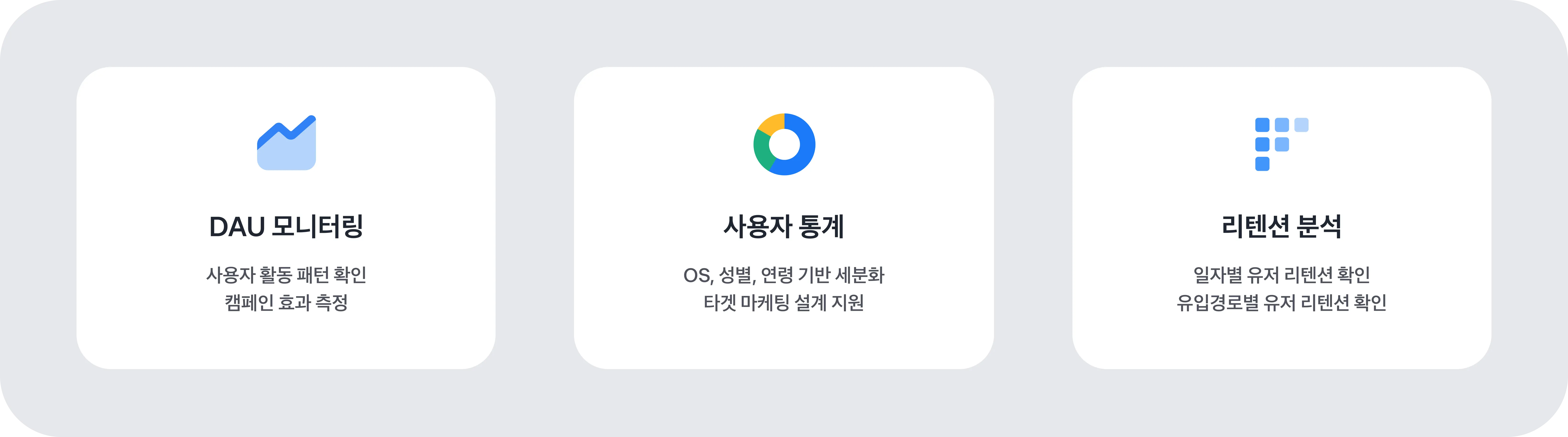
在 Apps in Toss 控制台仪表板中 **可以一目了然地查看迷你应用的主要指标,如 DAU、性别、年龄、留存等。** \
仪表板是加速合作伙伴迷你应用增长的战略工具,也是为了迷你应用的增长与成功必须使用的核心功能。 \
如果持续查看数据并将其用于改进,就能体验到流量增长和转化率提升等实际效果。
当迷你应用上线并收集到日志后,可在控制台首页菜单的 **“分析”** 标签中查看仪表板。查看数据前,请务必确认以下内容。
* **SDK 0.0.26 及以上**只有应用了该版本的迷你应用才能查看数据。
* 不会提供沙盒或上线准备阶段的数据, **仅能查看实际上线后的数据** 。
* 数据 **从服务上线后的次日开始** 。
{% hint style="info" %}
**未来将提供的功能**
SDK **0.0.36 及以上**后,便可查看迷你应用的 **停留时长数据**。该数据预计将在后续提供到仪表板中。
{% endhint %}
***
### 可在仪表板中查看的数据
可通过右上角设置日、周、月等期间进行查看,也可以下载为 Excel 文件。
* 仪表板数据可在每天上午 9 点后查看到前一天的数据。
* DAU 的日数据可查看到每个整点前 2 小时的数据,周数据和月数据也会一并更新。
* 例如:若为 17 时,则可查看到 15 时的数据
**DAU(日活跃用户数)**
* 这是最直观展示服务增长趋势的核心指标。
* 可查看最近 4 周按天使用应用的用户数。
* 以进入迷你应用后可判定为“使用了服务”的日志为准进行统计。
**OS、Toss 应用版本**
* 可区分查看最近 4 周的 Android 和 iOS 用户。
* 也可查看按 Toss 应用版本区分的用户。
* 可用于制定按操作系统优化的策略。
**性别分布**
* 可查看最近 4 周男性和女性用户数。
* 这是进行目标定制(如构建细分人群)内容策划必不可少的数据。
**年龄分布**
* 可查看最近 4 周从 10 多岁到 60 岁以上各年龄段的用户数。
* 可用于把握主要客户群并设计营销策略(如细分人群构建)。
**流入渠道**
流入渠道指用户在 Toss 应用内通过什么路径进入服务。 \
不同流入渠道意味着用户的进入方式和用户期待各不相同,这种差异可能会影响后续的服务持续使用(留存)。
在控制台仪表板中可确认的流入渠道类型如下。
* 全部标签(通过 Toss 应用 > 右下角“全部”进入的流入)
* 搜索(通过全部标签内右上角搜索功能进入的流入)
* 福利标签(当在 Toss 应用的福利标签展示促销时,通过该路径进入的流入)
* 推送/通知(通过广告性或功能性推送/通知进入的流入)
* 游戏首页(通过全部标签内的游戏菜单进入的流入)
* 联系人模块(通过分享联系人链接进入的流入)
* 其他(其余所有流入)
如需查看所有流入渠道,请参考流入渠道 referrer 文档。
**留存及按流入渠道划分的留存(回访率)**
可查看用户首次访问后在一定期间内再次使用应用的比例。 \
这是衡量服务忠诚度和满意度的核心指标。 \
点击右上角的“按流入渠道查看”,也可以同时了解按流入渠道划分的留存(回访率)。
查看按流入渠道的留存后,可获得以下洞察。
**① 可以识别真正为服务带来贡献的流入渠道。**
* 流入量少但留存高的渠道 → **适合该服务的用户**
* 流入量多但留存低的渠道 → **短期响应型用户**
**② 可以判断哪些曝光方式会带来长期使用,哪些仅对短期活跃有贡献。**
* 探索型流入:全部标签、福利标签、游戏首页
* 目的型流入:搜索
* 外部刺激型流入:推送/通知、促销
---
# Agent Instructions
This documentation is published with GitBook. GitBook is the documentation platform designed so that both humans and AI agents can read, navigate, and reason over technical content effectively. Learn more at gitbook.com.
## Querying This Documentation
If you need additional information that is not directly available in this page, you can query the documentation dynamically by asking a question.
Perform an HTTP GET request on the current page URL with the `ask` query parameter, and the optional `goal` query parameter:
```
GET https://developers-apps-in-toss.toss.im/guide/zh/analytics/dashboard.md?ask=&goal=
```
`ask` is the immediate question: it should be specific, self-contained, and written in natural language.
`goal` is optional and describes the broader end goal you are ultimately trying to accomplish on behalf of the user. GitBook uses it to tailor the answer towards what is most useful for that goal.
The response will contain a direct answer to the question and relevant excerpts and sources from the documentation.
Use this mechanism when the answer is not explicitly present in the current page, you need clarification or additional context, or you want to retrieve related documentation sections.